StackSocial lifetime deal organizer
You bought a handful of StackSocial deals, and now the redeem links and activation dates are spread across your inbox. DealKeep, the lifetime deal manager and tracker, keeps every StackSocial purchase in one library with its redeem link and redemption deadline, next to everything else you own.
Start free — no card → · Refund windows by marketplace
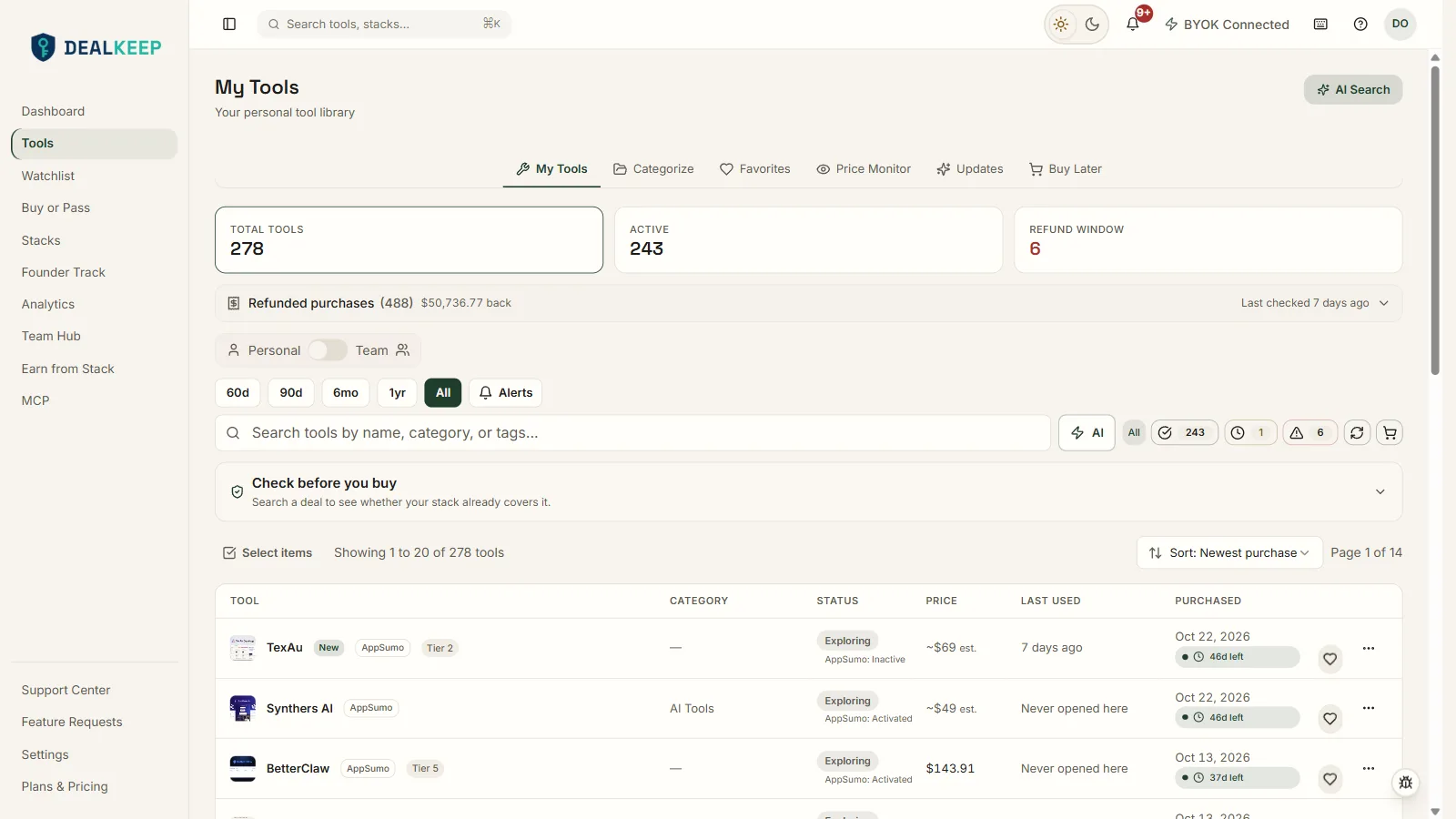
How to organize your StackSocial deals
- Bring your StackSocial purchases in. Import a CSV with one row per deal, add a tool by hand, or ask your AI assistant (Claude or ChatGPT) to read your StackSocial order emails and stage the purchases. Nothing is added until you approve it.
- Keep the redeem link and its deadline. Each tool holds its redeem link and the date by which it has to be activated. DealKeep reminds you 60 and 30 days before that date by default.
- See it beside everything else you own. Your StackSocial deals sit in the same library as AppSumo and every other purchase. The duplicate check flags a tool you already own, and Founder Track flags a tool whose maker looks like it is shutting down.
StackSocial has no refund window to track
Unlike AppSumo, StackSocial publishes no refund window in days. Its policy says digital purchases are generally non-refundable once you reveal the code, so the moment to decide is before you reveal it. DealKeep records that instead of inventing a refund date. See refund windows by marketplace.
Questions
Does DealKeep have a one-click StackSocial import?
No. One-click import works for AppSumo only, through the Chrome extension. StackSocial purchases come in by CSV, by adding each tool by hand, or by asking your AI assistant (Claude or ChatGPT) to read your StackSocial receipts and stage the purchases for you to approve.
Can I store StackSocial licence keys and redeem links?
DealKeep keeps the redeem link and the redemption deadline on each tool. The web app has no field for licence keys or codes, so our servers never hold them. If you want the keys kept beside the deal, DealKeep for Windows keeps them in a vault encrypted on your own PC.
Will DealKeep remind me before a StackSocial refund window closes?
StackSocial publishes no refund window in days. Its policy says digital purchases are generally non-refundable once you reveal the code, so DealKeep does not invent a refund date for them. What it does remind you about is the redemption deadline, 60 and 30 days ahead by default, so a voucher is not left unredeemed.
Is this only for StackSocial?
No. DealKeep is a lifetime deal manager and tracker for every marketplace and direct purchase: AppSumo, Dealify, DealFuel, StackSocial and tools bought from the maker. StackSocial deals sit in the same library as the rest, so you can see everything you own in one place.
I have too many StackSocial purchases to type in. What is the fastest way?
Put your purchase list in a CSV, one row per deal, and import it, or let your AI assistant find the order emails and stage them. Nothing is added until you approve it, and the duplicate check flags a tool you already own before it is added twice.
Related: Lifetime deal tracker · Lifetime deal manager · Redeem link tracker · StackSocial alternatives · Pricing