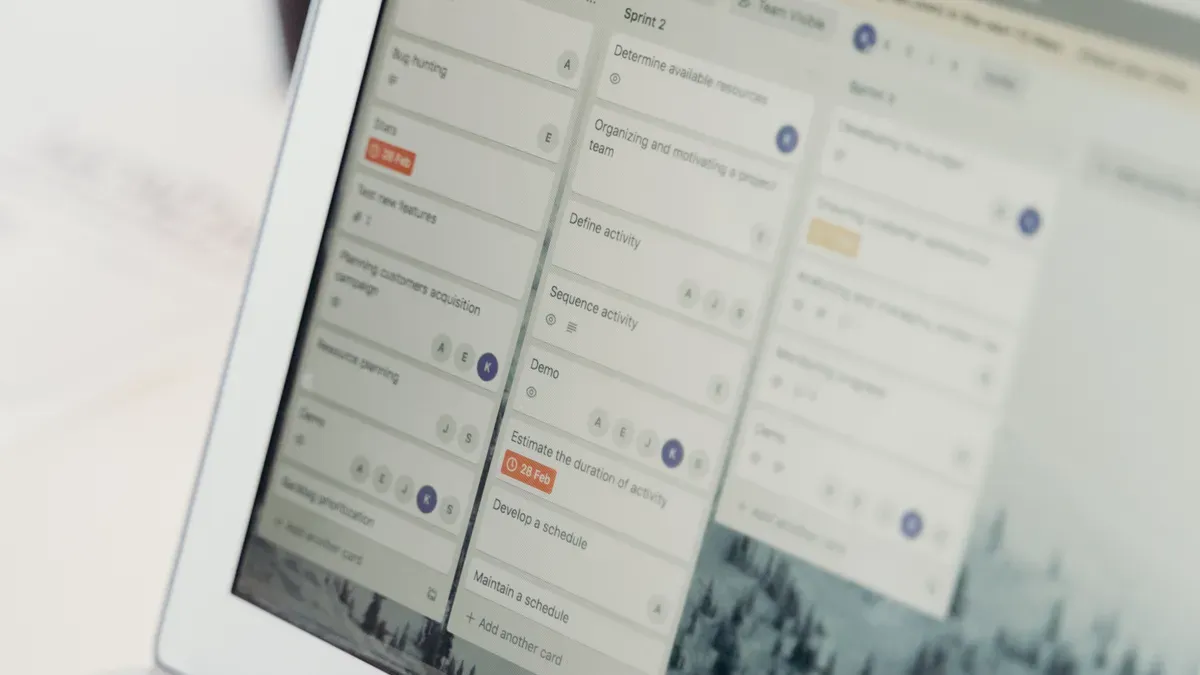
7 free Trello alternatives for project management in 2026
By DealKeep Team · 2026-06-17
You can explore these seven top free project management tools as a Trello alternative in 2026: ClickUp, Notion, Asana, Plaky, Freedcamp, Focalboard, and Nifty. Many users switch because Trello struggles with scalability and offers limited advanced features. Sometimes, you need more ways to manage project data or organize large workflows. Look for tools that support easy collaboration, unlimited users, and strong integrations. Experts recommend you check these criteria:
Criteria
Description
Ease of use
User interface and task organization matter for simple navigation.
Pricing
Free plans help you manage costs.
Features
Task management and team collaboration keep projects on track.
Integrations
Connections to other software make work easier.
Security
Data protection keeps your information safe.
Customer Support
Help channels make sure you get answers when you need them.
Key Takeaways
- Explore seven free tools like ClickUp and Notion for better project management.
- Choose tools with unlimited users and strong integrations for team growth.
- Consider your team's workflow needs when selecting a project management tool.
- Look for features like time tracking and file sharing to enhance productivity.
- Try free trials to find the best fit for your team's project management style.
Top Free Trello Alternatives
 Image Source: unsplash
ClickUp Overview
You can use ClickUp as an all-in-one project management platform. It combines tasks, documents, chat, and whiteboards in one workspace. Many teams choose ClickUp as a trello alternative because it offers more flexibility and customization than Trello.
ClickUp Features
- All-in-one workspace with tasks, docs, chat, and whiteboards
- Over 15 project views, including Gantt, Mind Map, and workload
- Extensive workflow and dashboard customization
ClickUp Pros & Cons
Cons of ClickUp
All-in-one functionality
Initial setup requires planning
Highly flexible workflows
Takes time to get comfortable
Strong reporting and dashboards
Interface offers many options
Advanced task management
More than some teams need
Automations and integrations
Best results come with intentional use
ClickUp Best For
- Teams that experience difficulties onboarding new members and require tools that are easy to understand and adopt
- Organizations scaling beyond 20–30 users that face lag and complexity in their workspace
- Teams needing detailed analytics without high costs, and those requiring project dependencies and cross-team links
If you want a trello alternative that grows with your team and offers advanced reporting, ClickUp stands out.
Notion Overview
Notion gives you a flexible workspace for managing projects, notes, and documents. You can customize your workflow and organize information in many ways. Notion is a popular trello alternative for teams that need strong documentation and collaboration tools.
Notion Features
- Auto-writing & rewriting capabilities for various content types
- Smart summaries for quick insights into long documents
- AI Q&A feature for instant answers about Notion pages
- Advanced customization options for workspace
- Multiple views for tasks
- Built-in AI functionalities for writing, summarizing, and organizing content
Feature
Notion (Free Plan)
Trello (Free Plan)
Advanced customization
Yes
No
Multiple views for tasks
Yes
No
Built-in AI functionalities
Yes
No
Notion Pros & Cons
Advantages of Notion
Disadvantages of Notion
User-friendly interface and easy navigation
Time-consuming setup process
All-in-one workspace, reducing the need to switch between apps
Mobile app needs improvements
Comprehensive suite of features for task management and note-taking
Limited features in the free version
Excellent technical support and easy-to-understand instructions
Notification reliability issues
Notion Best For
Notion works best for teams that focus on documentation-heavy workflows. You can use it for managing projects, keeping records, and collaborating on documents. Its customizable interface helps teams that need a versatile workspace. Notion may be less suitable for larger organizations that require quick onboarding.
Asana Overview
Asana is a well-known project management tool with a large user base. Over 150,000 paying organizations use Asana, which shows its popularity. You can use Asana as a trello alternative if you want a platform with strong collaboration and task automation.
Asana Features
- Task automation
- Customizable platform
- Highly collaborative environment
- Plenty of third-party integrations
Asana Pros & Cons
Pros
Cons
Easy to use for experienced PMs
Steep learning curve for novices
Highly collaborative environment
Cost-prohibitive for smaller teams
Customizable platform
The plethora of features can be overwhelming
Task automation
Limited reporting tools
Plenty of third-party integrations
Lack of native time tracking functionality
Asana Best For
- Tech-savvy individuals
- Hyper-organized personalities
- Complex projects with intricate moving parts
Asana is a trello alternative for teams that need advanced features and strong collaboration.
Plaky Overview
Plaky offers unlimited users and boards in its free plan. You can customize item cards and streamline tasks with board automations. Plaky is a trello alternative for teams that want a modern, flexible structure without paying extra.
Plaky Features
- Unlimited users and boards in the free plan
- Customizable item cards as information hubs
- Board automations to streamline routine tasks
- User-friendly interface
- 24/7 customer support for free plan users
- Kanban and Table views
- Summary row
- Up to 6 fields per board
- Member and admin user roles
- Unlimited files up to 10 MB in size
- 7-day activity log
- Google & Apple SSO
- Project template center
Plaky Pros & Cons
Strengths:
- Very easy to use
- Colorful & intuitive interface
- Completely free plan
- Excellent customer support
- Good training resources
Weaknesses:
- Only list & kanban views
- No reports
- Basic collaboration features
- Only one integration
- No automations
Plaky Best For
Jesse Tutt, Founder and CEO of Guru, stated, "One of the best things about Plaky is that we have everything posted clearly, including status, due dates, labels, and additional commentary."
- Plaky allows unlimited users, projects, and tasks
- Offers a more modern and flexible structure than Trello
- Lets you customize workflows and access complex features for free
Freedcamp Overview
Freedcamp gives you flexibility in views, permissions, and modules. You can use Freedcamp as a trello alternative if you want a strong free tier and easy learning curve.
Freedcamp Features
Feature
Description
Task management
Organize and assign tasks efficiently.
Shared calendars
Collaborate on scheduling and deadlines.
Kanban boards
Visualize workflow and task progress.
Gantt charts
Plan and track project timelines.
Time tracking
Monitor time spent on tasks.
File sharing
Easily share documents and resources.
Ideal for
Small teams, nonprofits, and educators.
Premium features
Often available at no cost for eligible users.
Navigation challenges
Some users report difficulties in usability.
Flexibility limitations
Less adaptable for large datasets or workflows.
Freedcamp Pros & Cons
Pros
Cons
Flexibility in views, permissions, and modules
Setup complexity due to high flexibility
Strong free tier for users
Limited customization options
Integration with tools like Slack and Google
Mobile app issues reported by users
Easy learning curve and clean interface
Navigation difficulties noted by some users
Stable service for daily project work
Limited enterprise-scale governance and analytics
Freedcamp Best For
Freedcamp is ideal for small teams, nonprofits, and educators. You can organize tasks, share files, and track time. Freedcamp works well as a trello alternative for groups that need basic project management without paying for premium features.
Focalboard Overview
Focalboard is an open-source project management tool. You can use it as a trello alternative if you want unlimited boards and users without file size limits.
Focalboard Features
Feature
Focalboard
Trello (Free Plan)
Unlimited Boards
Yes
No (max 10 per workspace)
Unlimited Users
Yes
No (max 10 per workspace)
File Size Limitations
None
10 MB per file
View Options
Kanban, Gallery, Table, Calendar
Kanban (others require payment)
Focalboard Pros & Cons
Pros
Cons
Open-source Trello, Notion, and Asana alternative with self-hosting capability
Feature set is still maturing compared to established tools like Trello or Notion
Multiple views including board, table, gallery, and calendar for flexible project management
Community is small and development pace has slowed since Mattermost integration
Integrates natively with Mattermost for chat-driven project workflows
No mobile app limits usability for teams that work from phones and tablets
Lightweight enough to run on minimal hardware with SQLite or Postgres backend
Mattermost plugin path creates soft lock-in to the Mattermost ecosystem
Clean, modern UI that requires minimal training for team adoption
Focalboard Best For
You can use Focalboard if you want a free, open-source trello alternative. It works well for teams that need unlimited boards and users, flexible views, and self-hosting options.
Nifty Overview
Nifty helps you break down complex projects and view tasks your way. You can use Nifty as a trello alternative if you want built-in time tracking and collaboration.
Nifty Features
- Ability to break down complex projects
- Multiple task views
- Collaboration tools
- Time-saving templates
- Numerous personalization options
- Built-in time tracking
Nifty Pros & Cons
Pros
Cons
Ability to break down complex projects
Limited direct integrations
View tasks your way
Slight learning curve for new users
Collaboration is key
Authorization needs occasional attention
Time-saving templates
Template options can be limited
Numerous personalization options
Specific functionality limitations
Built-in time tracking
Nifty Best For
Nifty works best for teams that need to manage complex projects and want flexible task views. You can use Nifty as a trello alternative if you value collaboration and time tracking.
Trello Alternative Comparison Table
 Image Source: pexels
Choosing the right project management tool can feel overwhelming. You want to see the differences at a glance. This table helps you compare each trello alternative quickly. Look for the features that matter most to your team.
Tip: Focus on the free plan limits and unique features. These can help you decide which tool fits your needs best.
Tool
Free Plan Limits
User/Project Caps
Integrations
Unique Features
Best Use Case
ClickUp
Most features in free plan
Unlimited users/projects
1,000+ integrations
15+ views, docs, whiteboards, automations
Growing teams needing flexibility
Notion
Limited block storage
Unlimited users/pages
100+ integrations
AI writing, smart summaries, databases
Teams needing docs + project tracking
Asana
Basic features, limited views
15 users per workspace
200+ integrations
Task automation, timeline, calendar
Complex projects, tech-savvy teams
Plaky
All features free
Unlimited users/boards
1 integration
Custom cards, 24/7 support, templates
Small teams, simple workflows
Freedcamp
Most modules free
Unlimited users/projects
Slack, Google, others
Gantt, time tracking, file sharing
Nonprofits, educators, small teams
Focalboard
All features free, open-source
Unlimited users/boards
Mattermost, API
Self-hosting, no file limits, many views
Privacy-focused, open-source fans
Nifty
Limited projects/tasks
Unlimited users, 2 projects
Zapier, others
Built-in time tracking, templates
Teams needing time tracking
You can use this table to narrow down your options. If you want unlimited users and boards, try Focalboard or Plaky. If you need advanced views and automations, ClickUp may work best. For strong documentation, Notion stands out. Each tool offers something unique for your workflow.
How to Choose the Right Trello Alternative
Choosing the right project management tool can help your team work better. You should look at your needs before you decide. Here are four steps to guide you.
Assess Team Size
Start by counting how many people will use the tool. Some tools work best for small groups. Others support large teams. If you have a big team, pick a tool that allows unlimited users. For small teams, you can focus on tools with simple features.
Tip: Write down the number of users you need. Check if the free plan covers everyone.
Match Workflow Needs
Think about how your team works. Do you use lists, boards, or calendars? Some tools offer many views. Others keep things simple. If your projects are complex, choose a tool with Gantt charts or timelines. For basic tasks, a Kanban board may be enough.
- Ask your team what they like.
- Try a demo or free trial to see if the tool fits your style.
Prioritize Key Features
List the features you need most. Some teams want time tracking. Others need file sharing or automation. Make a table like this:
Feature
Must-Have
Nice-to-Have
Time Tracking
✔
File Sharing
✔
Automations
✔
Check which tools offer your must-have features for free.
Check Integrations
Your team may use other apps like Google Drive or Slack. Make sure your new tool connects with them. Look for a list of integrations on the tool’s website. If you need many integrations, pick a tool with lots of options.
Note: Good integrations save you time and reduce mistakes.
By following these steps, you can narrow your choices and find the best tool for your team.
You have learned about seven free project management tools. Each tool offers unique strengths. ClickUp gives you flexibility. Notion helps you organize documents. Asana supports complex projects. Plaky allows unlimited users. Freedcamp works well for small teams. Focalboard lets you self-host. Nifty tracks time easily.
Try one or two tools to see which fits your workflow. Sign up for a free account and explore features. You can find more resources on each tool’s website.
FAQ
What makes a good Trello alternative?
You want a tool that supports unlimited users, offers strong integrations, and provides flexible views. Look for easy collaboration and simple navigation.
Tip: Choose a platform that fits your team’s workflow.
Can I use these tools for personal projects?
Yes, you can use all these tools for personal tasks.
- ClickUp
- Notion
- Asana
- Plaky
- Freedcamp
- Focalboard
- NiftyEach tool helps you organize your work.
Are free plans really unlimited?
Most free plans allow unlimited users or boards, but some limit features or storage.
Tool
Unlimited Users
Unlimited Boards
ClickUp
Yes
Yes
Asana
No
No
Plaky
Yes
Yes
Do these tools work on mobile devices?
You can use most tools on mobile devices. Notion, ClickUp, Asana, Plaky, Freedcamp, and Nifty have mobile apps. Focalboard does not offer a mobile app.
How do I switch from Trello to another tool?
Export your Trello boards as CSV files. Import them into your new tool if it supports CSV.
Note: Check each tool’s help center for step-by-step guides.
Related on DealKeep
Managing tools from AppSumo, StackSocial, and other lifetime-deal marketplaces? DealKeep keeps your whole stack organized: